
"Reset password" function test
It is recommended to test the "Reset Password" functionality with the customer before going live.
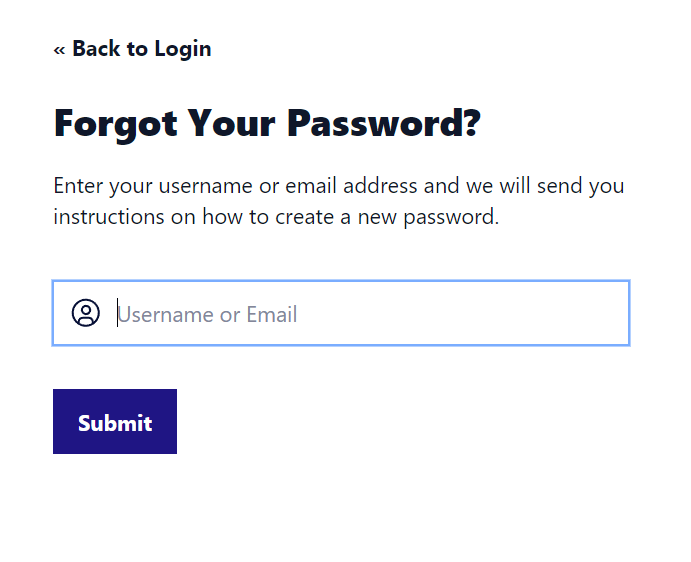
On the login page you can click "Forgot your password?", and provide the email address associated with your account.
At the provided address, you will receive an email with the following specifications:
Visible Sender: Cyber Guru (Support)
Sender: no-reply@cyberguru.eu
Inside the email, there is a temporary link that remains valid for 2 hours and allows you to proceed with the password reset.
The password must meet certain conditions, including a minimum length of 8 characters and the presence of at least one lowercase, one special character, and one uppercase letter. If these conditions are not met during the reset phase, a banner appears indicating the specific reason for not meeting the criteria.